All features
Feature
Git-Backed Workspaces
Everything you save is a file with history. Sign in with GitHub to publish a workspace or import one.
How it works
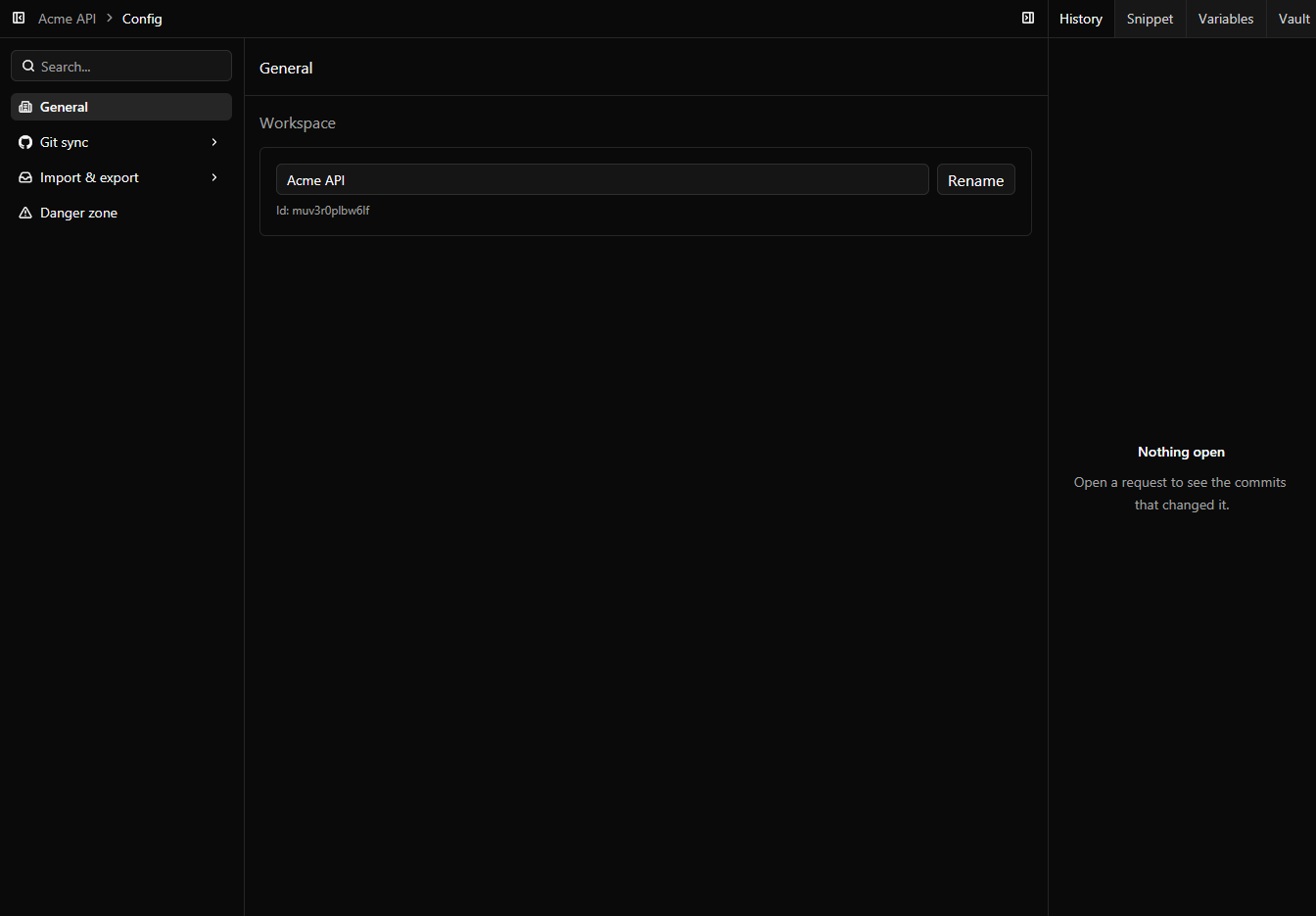
Your mappings, proxy rules, requests, mocks and environments are files in a workspace with git history, so you can see what changed, publish it, or revert it. Signing in with GitHub is optional: when you do, Bifurc can publish a workspace to a new repository you own, private by default, and import it on another machine, without pasting a remote URL or managing a token yourself.
When to use it
- Review and revert a change to a mock or rule like any other change in git.
- Move your whole setup to a new machine by importing the workspace.
- Share mappings, mocks and requests with your team through a GitHub repository you own.