
All features
Feature
Command Line
Drive the same engine from a terminal or CI with the bifurc command: same workspace, same verbs, JSON output.
How it works
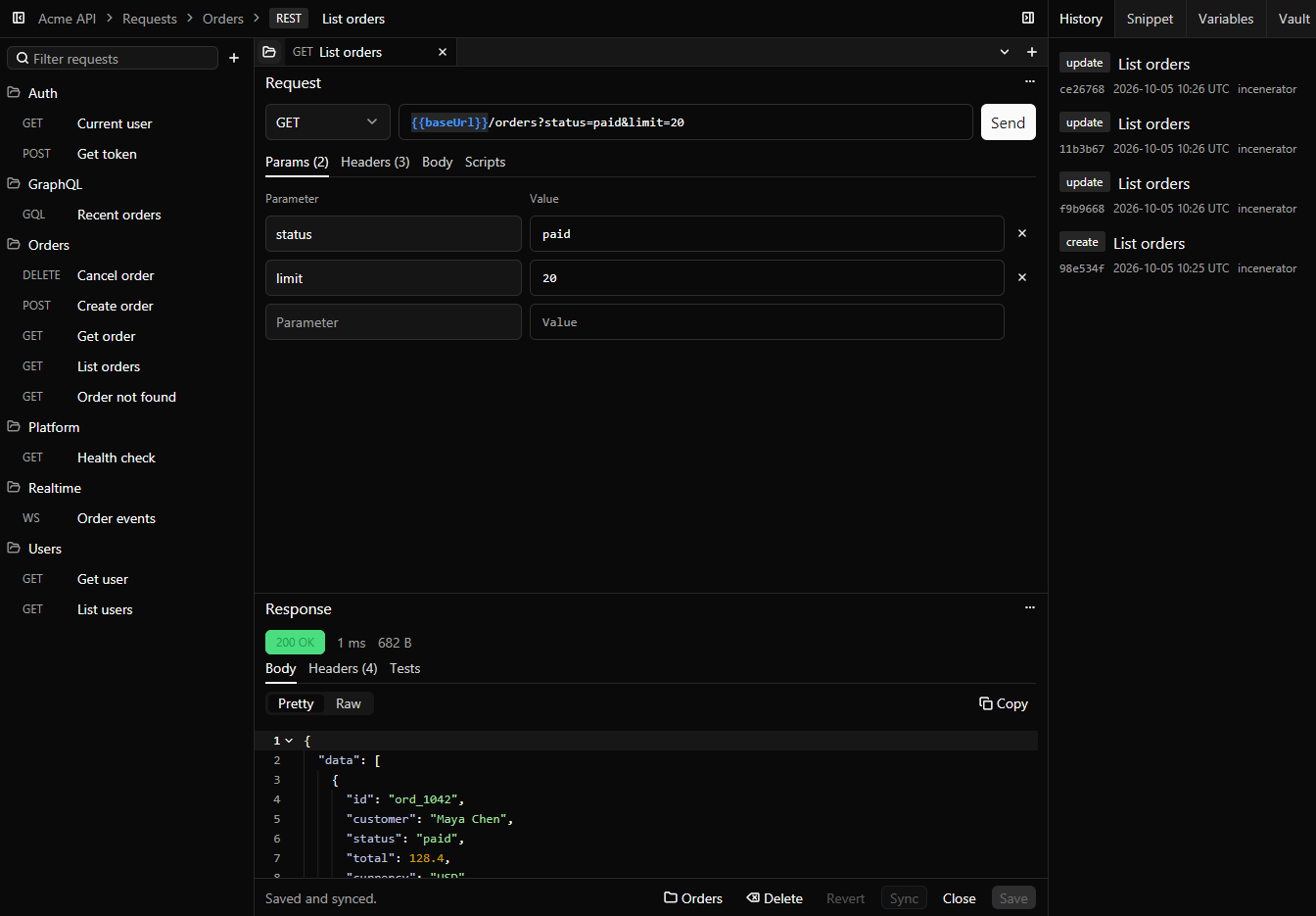
The bifurc command talks to the same engine as the desktop app, and starts one if none is running. Mappings, rules, mocks, requests, health checks and vaults all have the same verbs: list, show, create, update, and the one that runs or enables them. Each result fits on one line, or comes as JSON, and the exit code says what went wrong: a failed test, a usage error, a missing item, the network, or a workspace policy. bifurc curl runs a curl command through the engine, bifurc wait blocks until a service is ready, and bifurc setup finishes the first run without the app, so it fits in a script, a pipeline or an AI agent's hands.
When to use it
- Send saved requests from CI and fail the build when their tests fail.
- Check that every local service is healthy before a test run.
- Start a dev server with secrets from a vault passed in as environment variables.